


The start of a new year is the perfect time to take a hard look at your network. If your infrastructure was designed for yesterday’s workloads, it may already be struggling to keep up with today’s demands, let alone what’s coming next.
From WiFi density challenges and bandwidth-hungry applications to aging hardware and power risks, legacy networks quietly drain productivity and increase downtime risk. The good news? You don’t need a full rip-and-replace to make meaningful improvements.
Here are the top 10 items IT managers and procurement teams should prioritize in 2026 to build a faster, more reliable, and future-ready network.
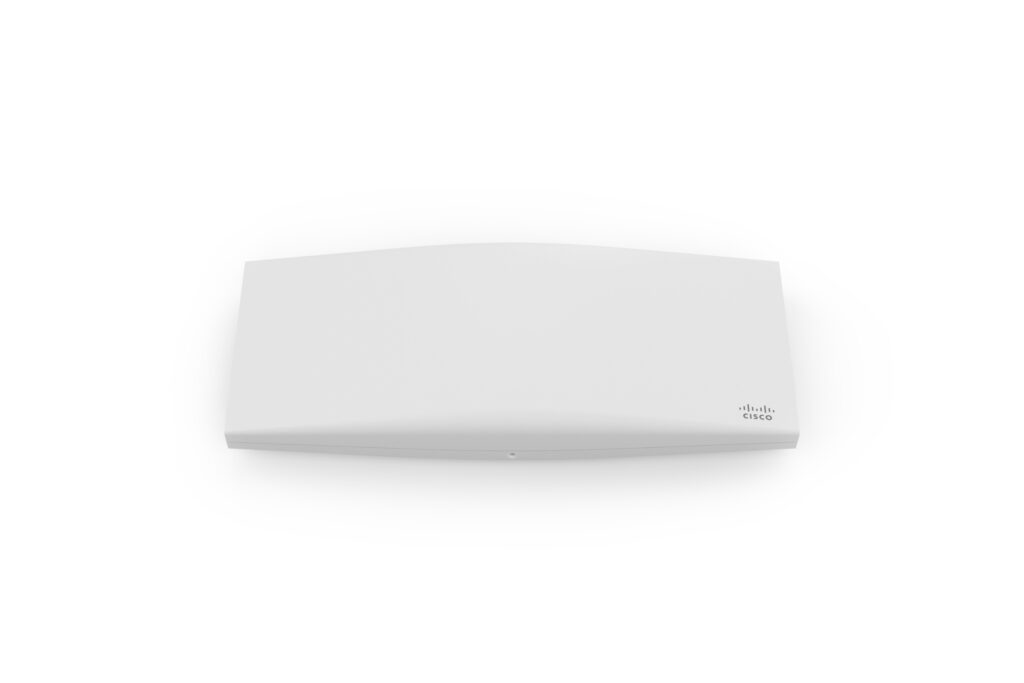
1. Access Points: Upgrade from WiFi 5 to WiFi 6
If you currently use: WiFi 5
Update To: WiFi 6 APs
Why Upgrade: Better speed, density, and capacity
WiFi 5 access points were never designed for today’s device-heavy environments. With more laptops, phones, scanners, and IoT devices competing for airtime, congestion quickly becomes a bottleneck.
WiFi 6 access points improve efficiency, not just raw speed. They handle more simultaneous users, reduce latency, and deliver better performance in high-density spaces like offices, warehouses, and classrooms, making them a foundational upgrade for modern networks.
2. Transceivers: Move Beyond 1G Bottlenecks
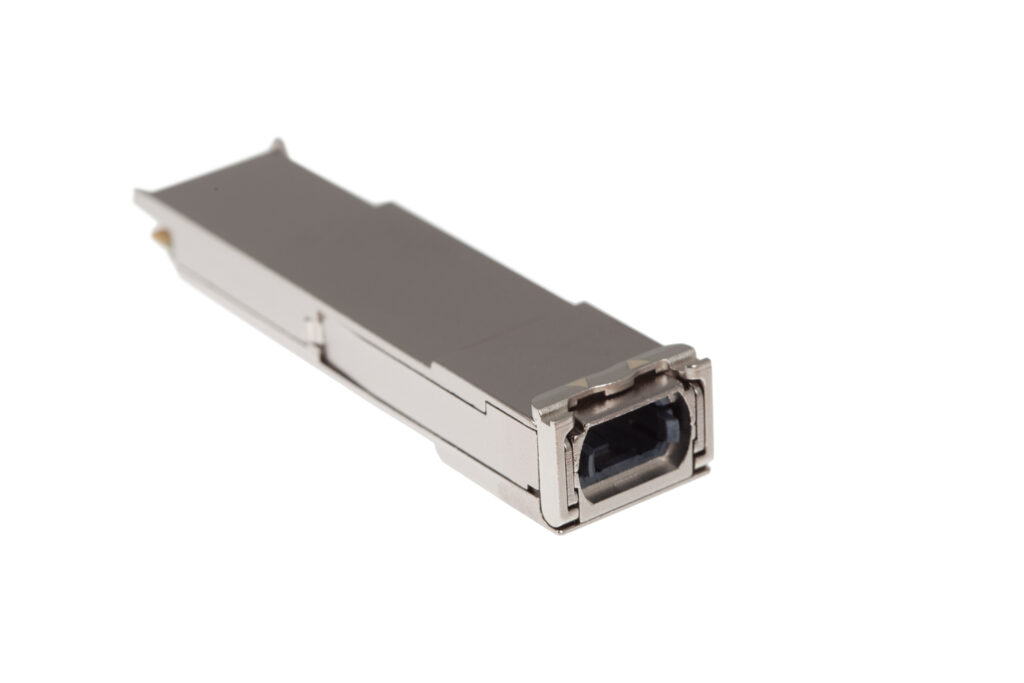
If you currently use: 1G transceivers
Update To: 10G, 25G, or 40G
Why Upgrade: Removes network bottlenecks
Many networks still rely on 1G optics even though traffic demands have multiplied. As switching backplanes and servers increase in speed, legacy transceivers quietly choke performance.
Upgrading to higher-speed optics is one of the fastest ways to unlock existing infrastructure, especially in aggregation layers and uplinks. It’s a targeted change with an outsized performance payoff.
3. Ethernet Cabling: Replace Cat5e with Modern Copper
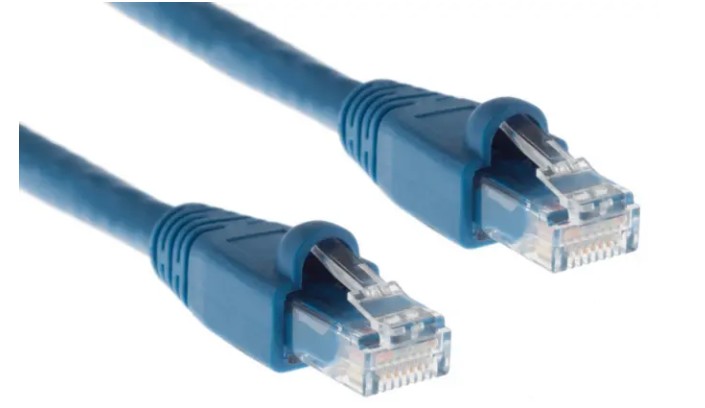
If you currently use: Cat5e
Update To: Cat6, Cat6A, or Cat8
Why Upgrade: Enables multigig and higher throughput
Cat5e may still “work,” but it limits what your network can become. Multigig switches and WiFi 6 access points depend on higher-grade copper to deliver their full value.
Cat6 and Cat6A support higher speeds over longer distances, while Cat8 is ideal for data center or short-run, high-throughput environments. Upgrading cabling now prevents expensive rework later.
4. Fiber Cabling: Retire OM1 and OM2
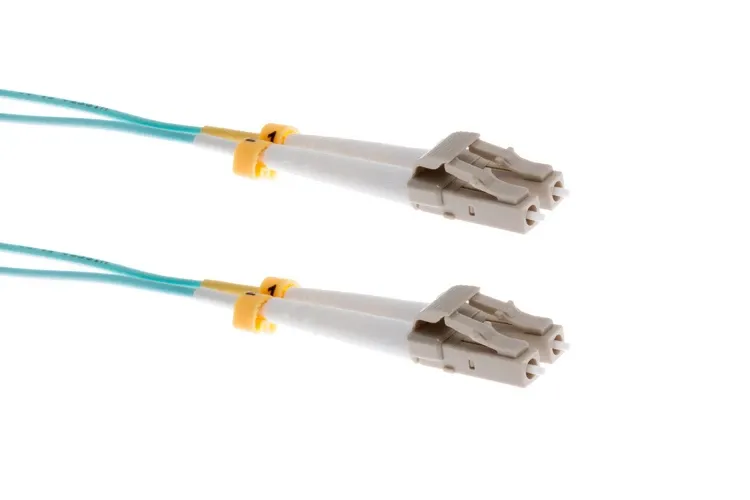
If you currently use: OM1, OM2
Update To: OM3, OM4, OM5
Why Upgrade: Supports high-speed backbone connections
Older multimode fiber types weren’t built for today’s backbone speeds. As networks move toward 40G, 100G, and beyond, OM1 and OM2 quickly become limiting factors.
Modern fiber types like OM3, OM4, and OM5 provide the performance and reach required for scalable core and distribution layers, making them a smart long-term investment.
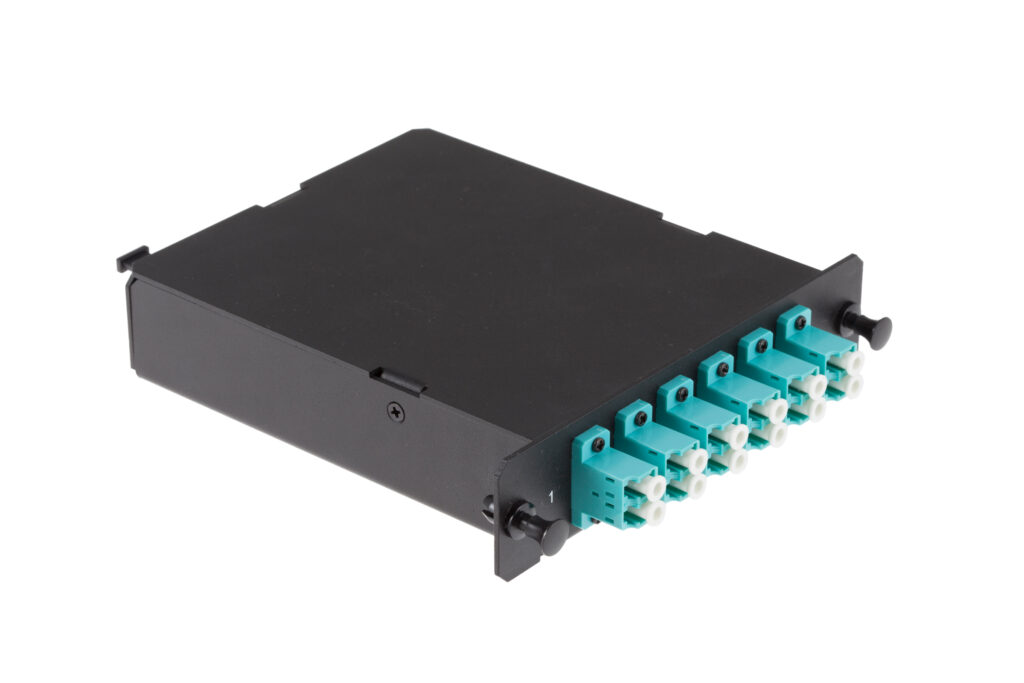
5. Fiber Connectors: Transition to MPO/MTP
If you currently use: LC/SC connectors
Update To: MPO/MTP connectors
Why Upgrade: High-density, scalable architecture for 40G/100G
As port densities increase, traditional duplex fiber connections become harder to manage. MPO/MTP connectors enable parallel optics, reduce cabling clutter, and support higher-speed deployments without consuming additional rack space.
For data centers and high-growth environments, this upgrade simplifies scaling while improving organization.
6. Switches: Modernize Your Access and Core
If you currently use: Cisco 2960-X, Meraki MS120/210
Update To: Cisco 9200/9300, Meraki MS225/250
Why Upgrade: Improved performance, PoE, and features
Legacy switches often lack the PoE budgets, uplink speeds, and feature sets required for modern devices. Newer switch platforms deliver higher throughput, advanced security, improved visibility, and support for WiFi 6 and IoT deployments.
For procurement teams, upgrading switches also reduces operational risk as older models approach end-of-support.
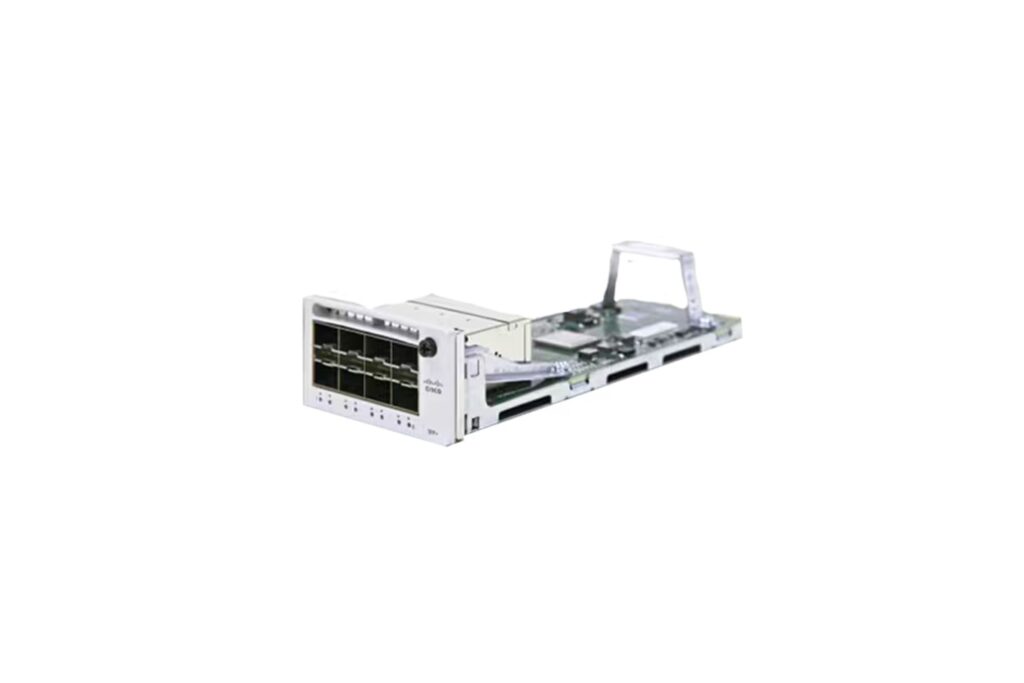
7. Modules: Add Speed Without Replacing Everything
If you currently use: 1G uplinks, no stacking
Update To: 10G/25G uplinks and stacking modules
Why Upgrade: Affordable way to increase speed and capacity
Not every upgrade requires a new chassis. In many cases, simply upgrading uplink modules or adding stacking capability dramatically improves performance and resiliency.
This modular approach allows IT teams to extend hardware lifecycles while still meeting growing bandwidth demands for both budgets and uptime.
8. Power Infrastructure: Don’t Overlook the Basics
If you currently use: Aging power cords
Update To: New cords, PDUs, power redundancy
Why Upgrade: Prevent downtime
Power is often the most overlooked part of the network … until something fails. Worn cords, overloaded PDUs, or lack of redundancy can bring down otherwise healthy systems.
Refreshing power components is a low-cost way to reduce risk, improve safety, and protect mission-critical equipment.
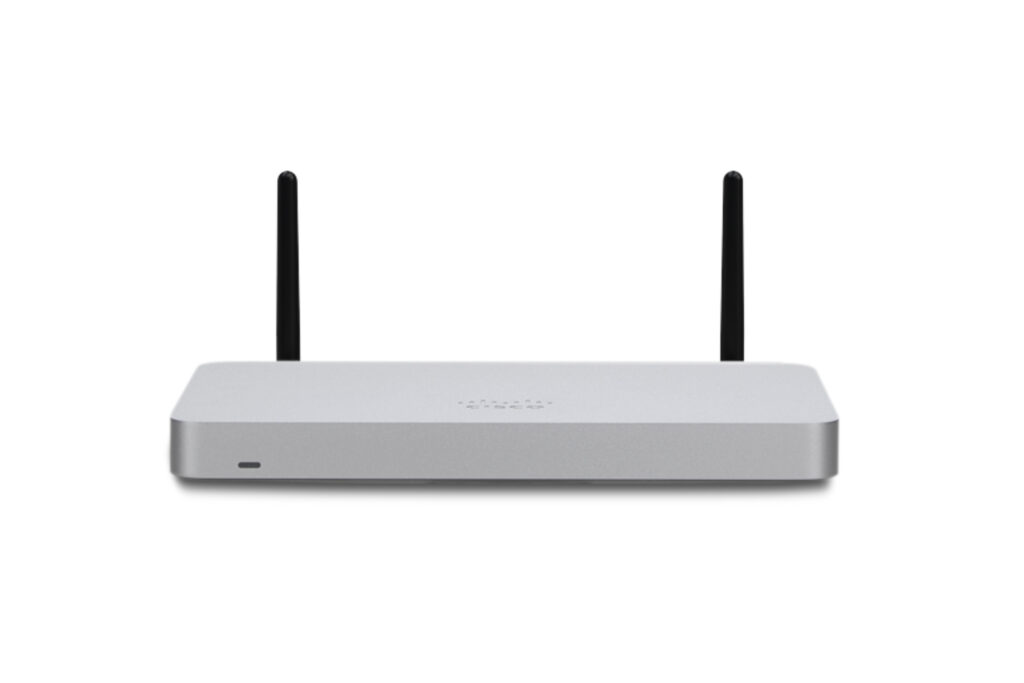
9. Security Devices: Replace Legacy Firewalls
If you currently use: Legacy ASA devices
Update To: Meraki MX models
Why Upgrade: Protection against modern threats
Threat landscapes have evolved, and so should your security perimeter. Legacy firewalls often lack the visibility, performance, and cloud integration required for today’s environments.
Modern security appliances provide advanced threat protection, simplified management, and better insight – helping IT teams stay proactive instead of reactive.
10. Cable Management: Clean Up for Performance and Uptime
If you currently use: Messy, unlabeled cabling
Update To: Labels, Velcro, horizontal & vertical managers
Why Upgrade: Improves uptime, airflow, and maintenance
Cable management isn’t just about aesthetics. Poorly managed cables restrict airflow, increase failure risk, and slow down troubleshooting.
Simple upgrades like labeling, Velcro, and structured cable managers improve maintenance efficiency and reduce accidental outages, especially during moves, adds, and changes.
Start 2026 with a Smarter Network
A modern network isn’t built overnight – but it is built through smart, intentional upgrades. By focusing on these ten areas, IT and procurement teams can improve performance, extend equipment lifecycles, and reduce operational risk throughout 2026 and beyond.
At CablesAndKits, we help organizations modernize with trusted, cost-effective networking solutions. Whether you’re planning a full refresh or just taking the next right step.
New year. New network. Let’s get IT done…right.
- Guide To Preventing Outages and Keeping Critical Systems Online
- Is Your Network Ready for 2026? The Ultimate Infrastructure Refresh Checklist
- New Year, New Network: The Top 10 Items to Modernize Your Network in 2026
- Power Cord for Canon Image Class MF753Cdw Printer
- Guide to Troubleshooting Common Ethernet Cable Issues