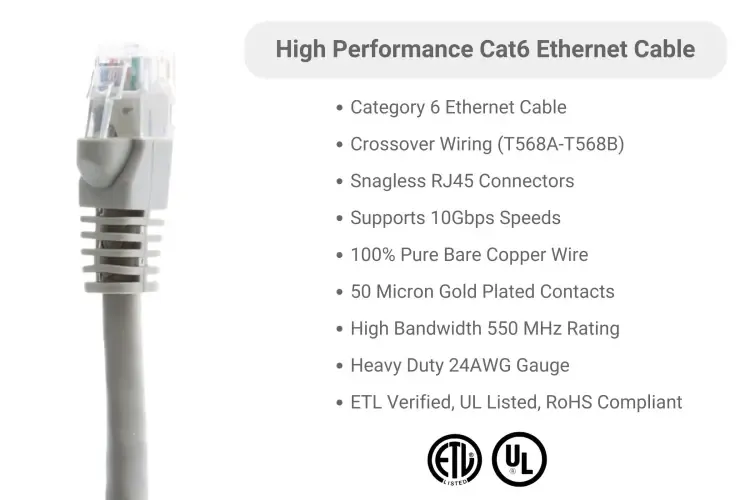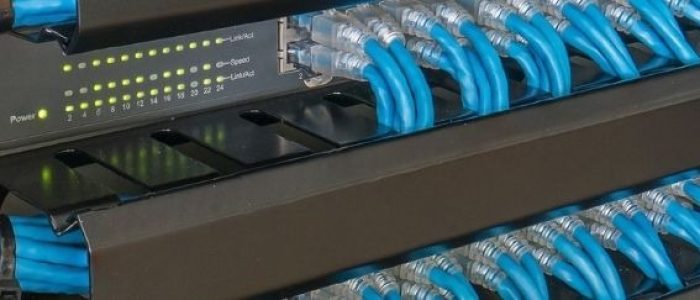
Crossover Ethernet cables are a key solution for direct, reliable device-to-device communication in modern networking. Whether you’re connecting two routers, testing hardware in a lab, or setting up specialized systems, crossover cables give you full control over how signals are transmitted.
Even with the rise of Auto-MDIX and smart port detection, physical wiring still matters in many environments. Industrial equipment, embedded systems, and certain enterprise configurations often depend on the precision a true crossover connection provides.
In this guide, we’ll explore what a crossover Ethernet cable is, how it works, and where it’s still essential today. If you’re building direct links or working with infrastructure that demands exact configurations, understanding crossover cables will help you create stable, dependable networks – by design.
What Is a Crossover Ethernet Cable?
A Crossover Ethernet cable is designed to allow two similar devices to connect directly. Rather than depending on external network hardware, the cable reverses internal signal pathways so each device can send and receive data properly.
This is accomplished using a T568A to T568B configuration, where one end of the cable is terminated using the T568A standard and the other with T568B. The result is a pair flip, or pin assignment swapping, that matches transmit and receive lines accordingly.
Which Ethernet Cable Type Fits Your Setup?
While crossover and straight-through cables look similar, they behave very differently.
Here’s an easy breakdown of the two main types:
Crossover Cable
Crossover Ethernet cables are used for connecting similar devices like two PCs, router-to-router wiring, or a switch-to-switch connection.
This configuration becomes particularly important in setups where Auto-MDIX compatibility is not available, as the physical crossover of signal paths ensures accurate data transmission between like devices. For legacy systems, older network hardware, or controlled testing environments, crossover Ethernet cables remain a reliable and essential solution.
Straight-Through Cable
On the contrast, straight-through ethernet cable connects different types of devices (e.g., PC to router or modem to switch)
This includes common setups like linking a PC to a router or connecting a modem to a network switch. Both ends of the cable are wired identically, which keeps the signal direction consistent. Because most modern networking hardware supports auto-sensing technology, straight-through cables are the preferred choice in today’s home and office networks. They offer a simple, reliable way to establish communication between devices that play different roles within the network.
TIP: A good rule of thumb is – if your devices are alike, you might need a crossover; especially if they were manufactured before Auto-MDIX became standard.
How do Crossover Ethernet Cables Work?
The difference lies in the wiring.
This internal wiring follows a signal crossover design, where transmitting pins connect directly to receiving pins on the other side. That swap is what makes device-to-device connection possible.
And despite the crossing, it still uses twisted pair wiring, so there’s no loss in shielding or signal quality.
The beauty here is simplicity. No software, no configuration – just smart wiring that reroutes signals exactly where they need to go.
When Should You Use a Crossover Cable?
While the majority of modern networking equipment now supports Auto-MDIX, crossover cables are still highly relevant in several specific scenarios:
1. Legacy Equipment
Older switches or routers don’t support Auto-MDIX compatibility. Here, the crossover cable steps in to make communication possible.
2. Direct PC-to-PC Linking
For environments where network infrastructure is unavailable or unnecessary – such as temporary file transfers between two laptops – crossover cables allow direct peer-to-peer Ethernet communication.
3. Industrial & Embedded Systems
Devices such as PLCs (Programmable Logic Controllers), SCADA systems, or embedded network interfaces often lack Auto-MDIX and require physical crossover for configuration and communication.
4. Lab and Test Environments
Networking students, engineers, and system integrators commonly use crossover cables to test configurations, emulate real-world network environments, or isolate devices during diagnostics.
5. Switch-to-Switch Connections (Without Auto-MDIX)
Connecting switches in a daisy-chain configuration without Auto-MDIX requires a crossover cable to properly manage traffic between ports.
Why Crossover Cables Still Matter?
With the rise of smart hardware, most devices now support Auto-MDIX compatibility, which adjusts signal paths internally. That’s why straight-through cables are now the default.
But certain setups still rely on physical crossover:
- Equipment with no auto-sensing
- Embedded or industrial hardware
- Test benches and diagnostics
In these cases, crossover cables still do the heavy lifting. They’re quiet workhorses for people dealing with use in older hardware or low-level network tasks.
Keeping one in your toolbox is like carrying a universal adapter (you might not need it often, but when you do, you’ll be glad it’s there).
How Cable Length Affects Network Speed?
Crossover or not, Ethernet cable runs have distance limitations. Stay within 100 meters (328 feet) to prevent speed loss and packet drops. Beyond this range, signal degradation becomes a concern – especially in areas with electrical interference or low-quality cabling.
Some quick tips:
- Stick to spec for cable length limitations
- Use higher-grade cables for better shielding
- Avoid unnecessary bends or tension on the wire
Cables with reduced interference wiring and solid construction hold up better in noisy or long-run environments.
Top-Rated Crossover Ethernet Cables From Cablesandkits
Crossover Ethernet cables are essential for connecting similar devices, such as computer-to-computer or switch-to-switch connections. These cables come in various categories, each designed for specific speed and performance needs.
Here’s a look at some of the top options from CablesAndKits:
Cat5e Crossover Ethernet Patch Cable, Booted
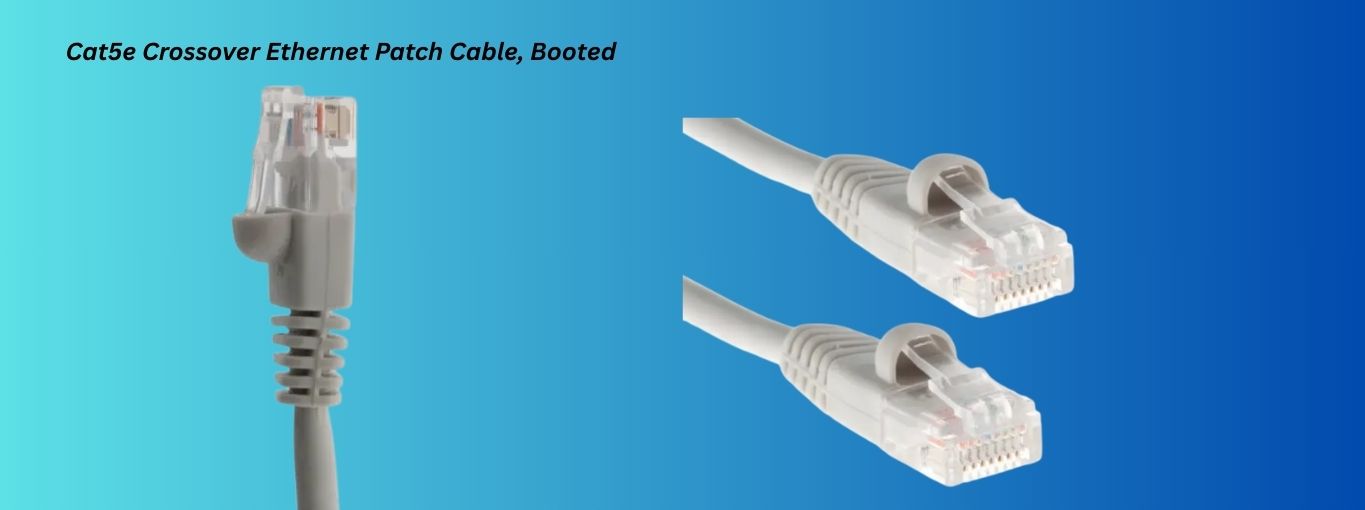
The Cat5e Crossover Ethernet Patch Cable provides reliable high-speed connections with minimal signal loss. It’s ideal for home or small office use.
Key Features:
- Speed: Up to 1 Gbps
- Bandwidth: 350 MHz
- Conductor: Pure copper
- Gold-plated connectors for optimal performance
- Boot Type: Half-moon boot for easy installation
Ready for seamless connections? Get the Cat5e Crossover Ethernet Patch Cable today and experience high-speed, reliable networking. Buy now to take your network to the next level!
Cat6 Crossover Ethernet Patch Cable, Booted
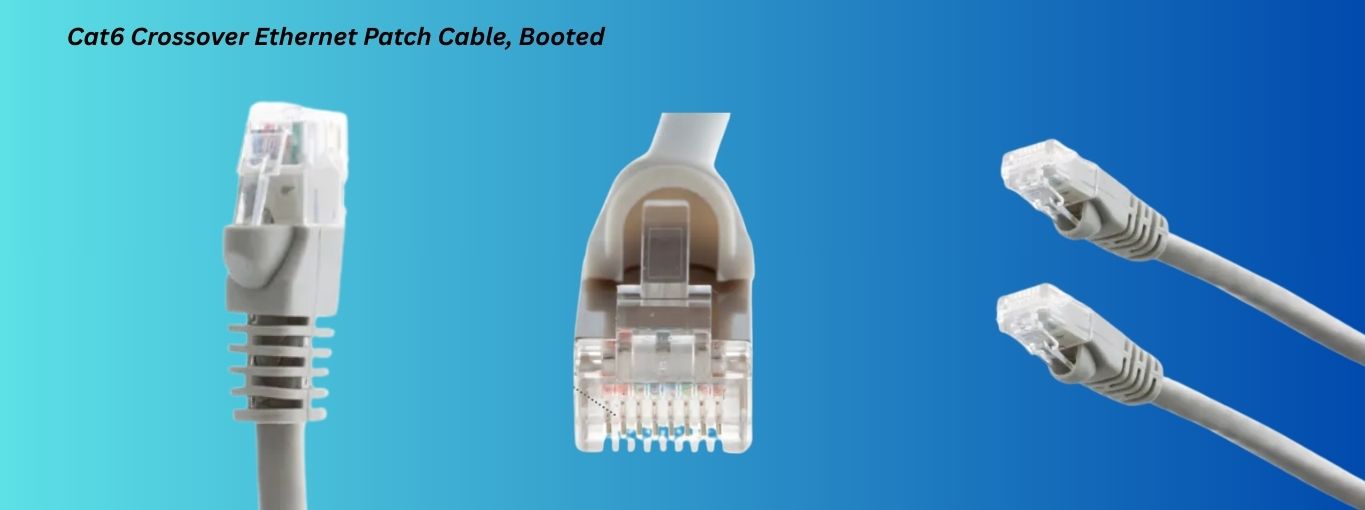
The Cat6 Crossover Ethernet Patch Cable is perfect for high-performance, high-speed networks. It supports faster speeds over short distances and is designed for more demanding setups.
Key Features:
- Speed: Up to 10 Gbps (short distances)
- Bandwidth: 550 MHz
- Pure copper for better conductivity
- Gold-plated connectors ensure stable connections
Upgrade your network performance with the Cat6 Crossover Ethernet Patch Cable. With speeds up to 10 Gbps, it’s perfect for demanding setups. Don’t wait, shop now for fast and reliable connectivity!
Steps to Fix Common Crossover Cable Problems:
If a crossover connection isn’t working, try this checklist:
Some of these issues include:
- Link lights not turning on: Check for physical damage to the cable, improper wiring, or compatibility issues with the devices.
- Manual IP configuration: Crossover cable may require manual IP addressing. Ensure each device on the network is configured with a unique static IP address to enable proper communication.
- Connection failures in legacy devices: Verify the settings of the devices involved and ensure they support the necessary configuration.
Basic network troubleshooting often starts with verifying the physical layer. A crossover cable just adds one more layer to double-check.
How to Make a Crossover Ethernet Cable?
For those interested in building their crossover cables, here’s a basic guide to get you started:
Tools You’ll Need:
- Crimping tool
- RJ45 connectors
- Cable tester
- Ethernet cable (Cat5e, Cat6)
- Stripping tool
Steps:
- Cut the cable to the desired length and strip off the outer insulation.
- Arrange the wires according to the T568A and T568B wiring patterns. For a crossover cable, use the T568A configuration on one end and T568B on the other.
- Insert the wires into the RJ45 connectors in the correct order.
- Use the crimping tool to secure the RJ45 connectors onto the cable.
- Test the cable with a cable tester to ensure the wiring is correct and there are no faults.
Follow this and your custom cable will be ready for any device-to-device connection scenario you run into.
Conclusion
Crossover Ethernet cables aren’t front and center in today’s networks; but they’re still behind the scenes, solving problems that modern systems can’t always handle alone.
These ethernet cables simplify manual port configuration, support peer-to-peer networking, and keep legacy systems alive without fuss.
When straight-through cables fail to establish a connection, having a crossover cable on hand is often the quickest fix. It’s not just a backup (it’s a targeted solution for specific challenges).
For tested, professional-grade cables with lifetime warranty support, contact CablesAndKits.com and explore dependable crossover solutions that work exactly when you need them.
Additional Learning Center Resources
- Mastering Network Cable Management: Overcoming Challenges with Top Solutions and Products
- Understanding HDMI Types & Specifications
- What Are Console Cables?
- From Installation to Optimization: The Complete Data Center Cabling Guide
- What is a Direct Attach Copper (DAC) Cable? Common Types And Uses
- The Ultimate Guide to Different Types of Computer Cables: What You Need to Know